
Hydraulics Training Certificate Course
- Home >
- vocational-training >
- mechanical >
- hydraulics training
Basic Industrial Hydraulics Training
This Hydraulics Training Certificate Course covers the fundamentals of hydraulic engineering systems and pneumatics training, using animation and interactivity to make it interesting. So, this hydraulics course is excellent for High Schools, maintenance and mechanics, and engineers as a refresher. Or anyone wanting to know ...
The Fundamentals of Hydraulic Engineering Systems
This course will get you there. After the hydraulic fundamentals in the basic fluid power principles section, the learner moves on to hydraulics and pneumatics practical application, followed by hydraulic pumps and miscellaneous components. The hydraulics course wraps up with a hydraulic systems troubleshooting section. This course software has a built-in lab manual, fluid power symbols table, and glossary. Over a hundred of the most common ISO CETOP hydraulic symbols are covered.
both Hydraulics Training & pneumatics training
Fluid Power Hydraulics Trainer - The FPTrainer (25+ hours New Version 5.3)
Prod #:KTD-600-FluidPowerTrainer
Hydraulics Training Content:
- Basic Fluid Power Engineering Principles
- Pneumatic And Hydraulic Schematics Symbols
- How Hydraulic And Pneumatic Cylinders Work
- How Hydraulic And Pneumatic Control Valves Work
- 3-Way & 4-Way Valves
- 4-Way & 5-Way Valves
- Hydraulic Pumps
- Hydraulic And Pneumatic Components
- Hydraulic Troubleshooting
- Many interactive screens.
- Final exam.
- A 60-page laboratory manual.
- Password-protected student log file.
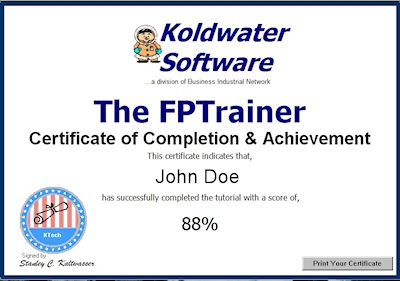
- Ability to print a certificate of completion.
Not just a hydraulics Course, but a fluid power Course!
What is fluid power?
The primary purpose of fluid power (hydraulic and pneumatic) systems is to transmit power from one location to another. Power is transmitted by the flow of a fluid (gas or liquid) under pressure.
The courses begin with fluid power basics: physics laws, systems basics, design, analysis, and components while demonstrating how these systems are applied in the real world. Applications of hydraulic systems, pneumatic systems, and vacuum systems are demonstrated.
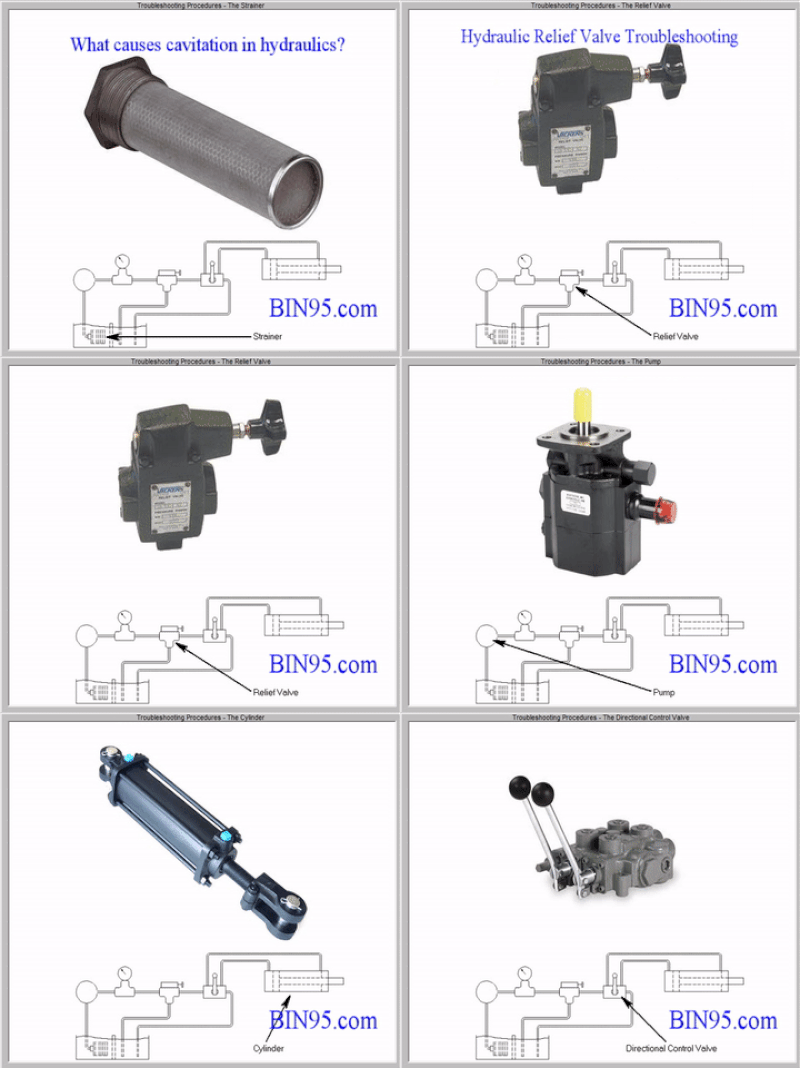
Hydraulic System Troubleshooting Guide (text & audio)
Hydraulic System Troubleshooting Guide ...
Here is a screen recording of the learner clicking through the five areas of the hydraulic troubleshooting guide section of the course. In the actual course, the learner would listen to (or read) each of those screens before clicking next. The six topics discussed in this section are a hydraulic system troubleshooting overview, including the most common problem of pump cavitations. This is followed by a discussion of hydraulic pump troubleshooting, the relief valve, and the cylinder, and a talk about hydraulic directional control valve troubleshooting.
More screenshots and animation recordings are below...
Hydraulics Training Video
In this hydraulics training video, we created it by recording a student going through a few screens of the basic fluid power engineering principles section of the hydraulics course with the audio narrations built into the course being played. This helps you to see what taking this course is like and additional examples of the animations and simulations in this course.
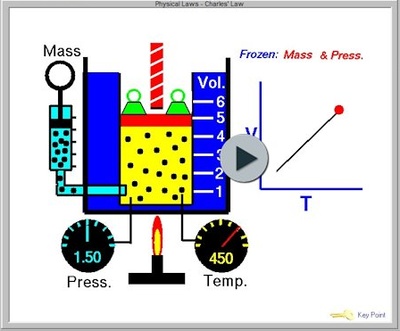
Applications of hydraulic systems, pneumatic systems, and vacuum systems are demonstrated.
Within 24 hours of placing the order, we will email you the download.
Order a Single Student or Unlimited Site License above.
For unlimited physical site licenses (locations), please Request a Quote for the Enterprise License.
Learn how to read schematics and understand how pneumatic and hydraulic systems operate to effectively troubleshoot hydraulics and pneumatics systems. After taking this course, you will better understand fluid power principles, associated standards, pneumatic and hydraulic symbols, and fluid power system circuit diagrams. You will also be able to report on common faults and problems encountered in fluid power systems.
Hydraulics Training Course Screenshots and recordings:
Below are screen recordings of a student interacting with the course animations built into this hydraulic and pneumatic training course and screenshots from the course.
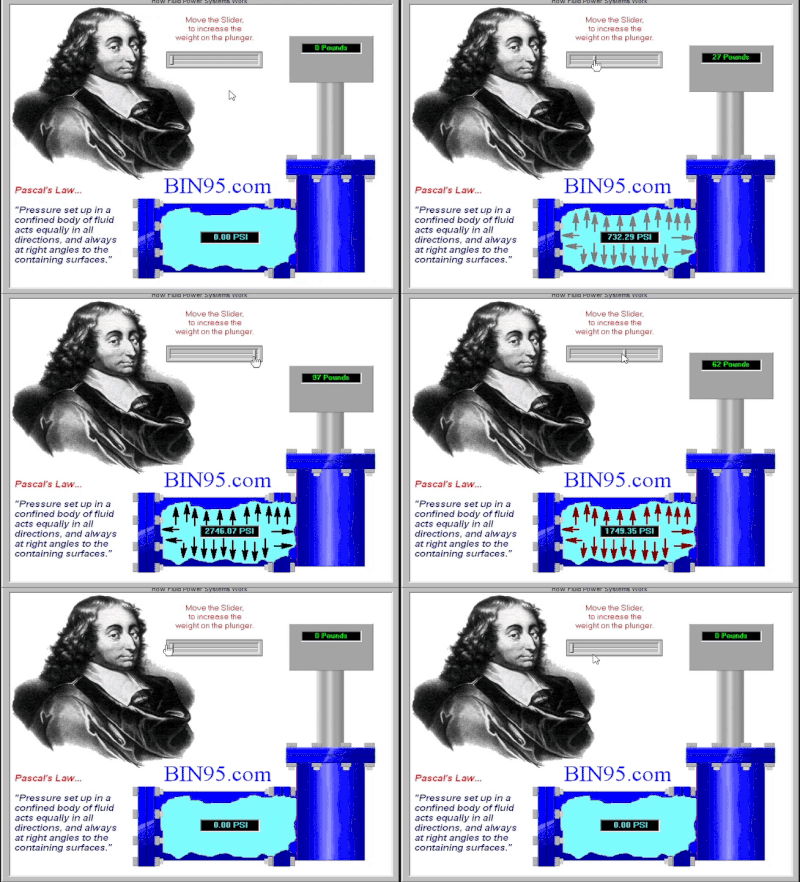
Here is an interactive animation screen recording to better illustrate the fundamentals of the hydraulic engineering systems section. This section has more than ten interactive simulators and animations to make an otherwise dry topic interesting and fun. These principles are fundamental to understanding hydraulic systems.
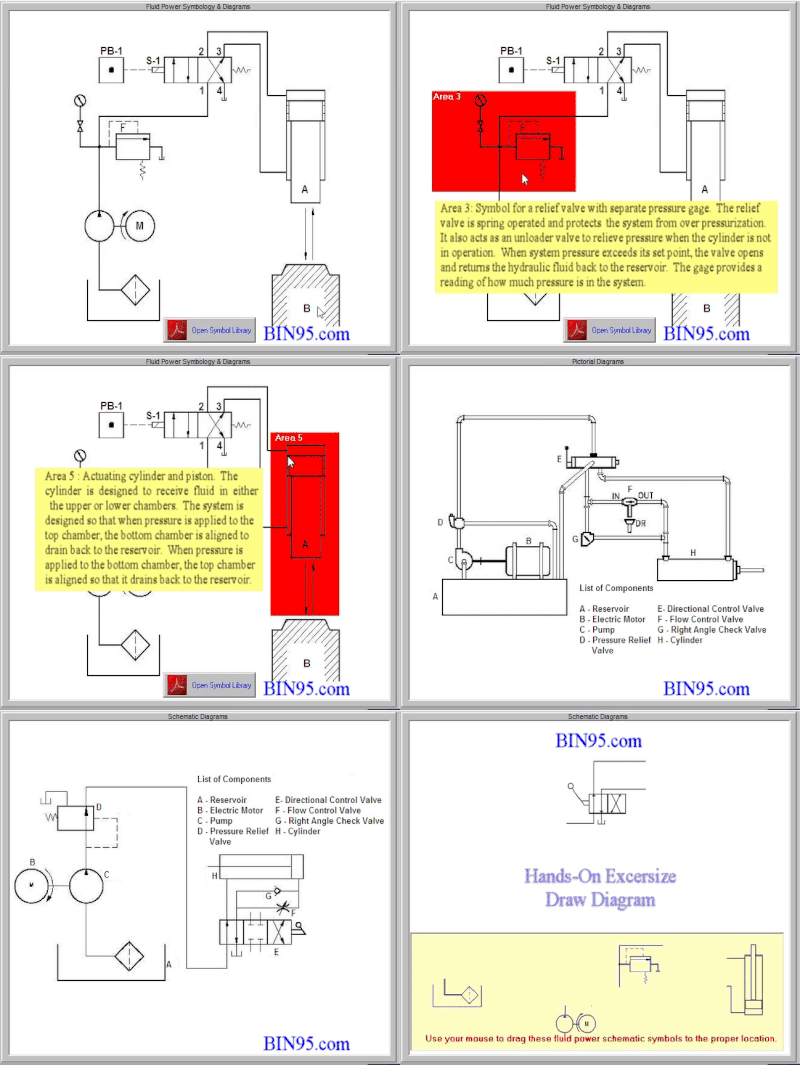
The hydraulic fluid symbol section starts with walking the student through reading and understanding a common hydraulic symbols schematic, then introduces the pictorial diagram, the cutaway diagram, and the hydraulics schematic diagram. The end of the section provides an interactive for students to re-create the hydraulic symbols schematic diagram.
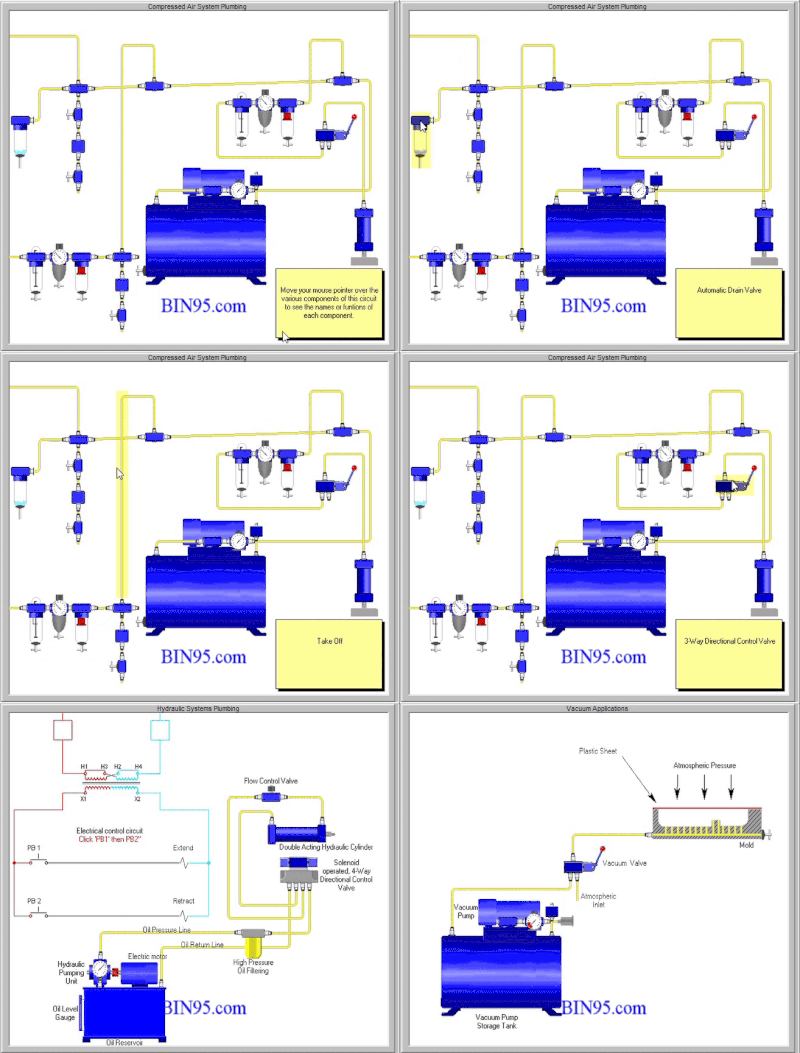
Most fluid power principles apply to basic pneumatics training and vacuum systems. Here is a recording of the student using the screens to teach a pneumatic system, layout, symbols, application, and vacuum application.
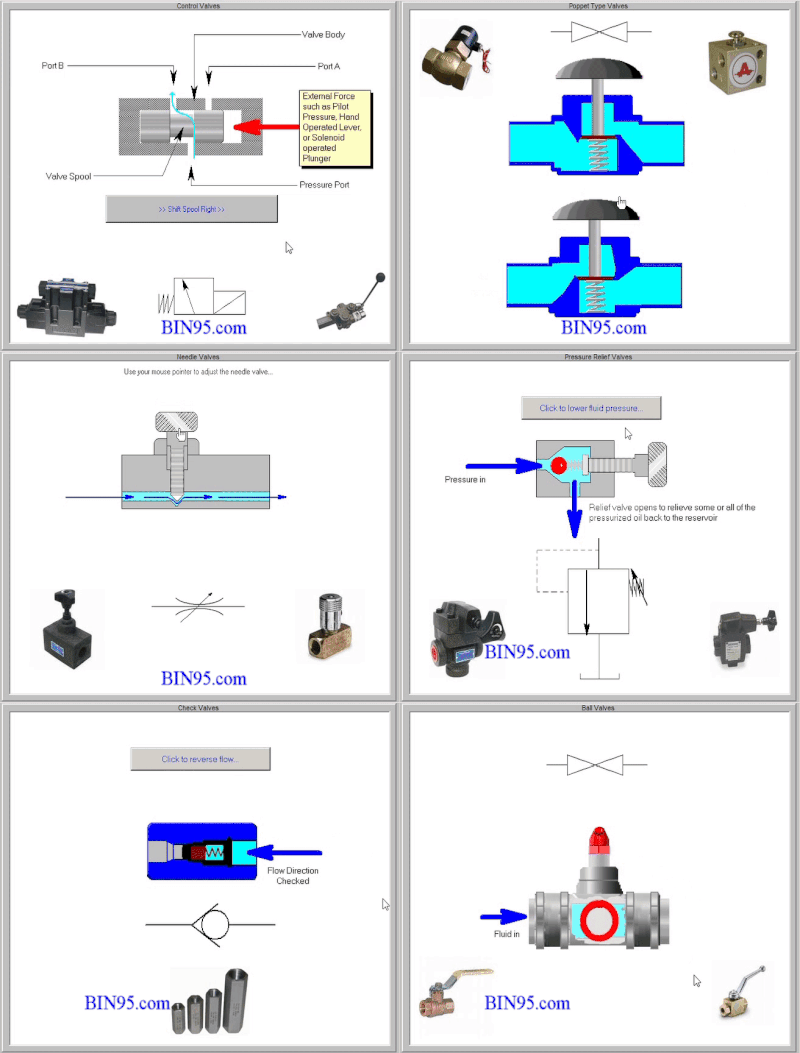
There are six interactive control valve simulations, starting with the directional control valve. One for each: poppet-type valves, needle valves, pressure relief valves, check valves, and the ball valve.
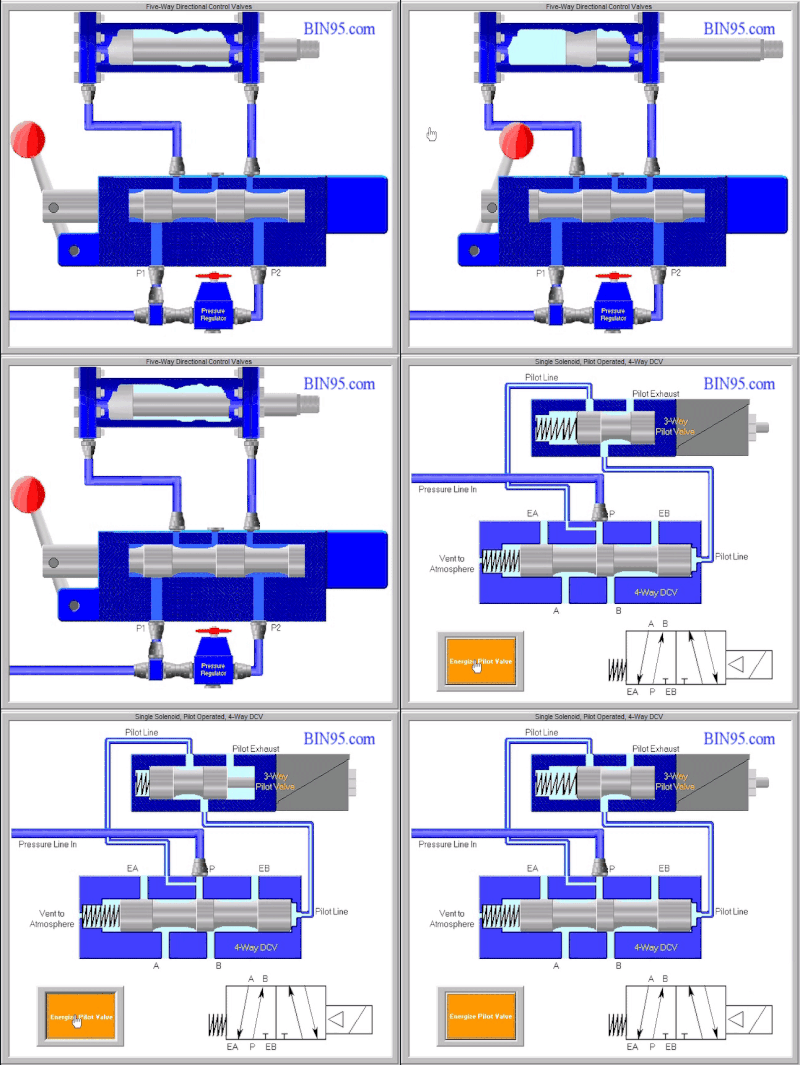
The 4-way & 5-way 2-position valves are also simulated for better understanding in a section devoted to them. Better understanding leads to better pneumatic & hydraulic directional control valve troubleshooting.
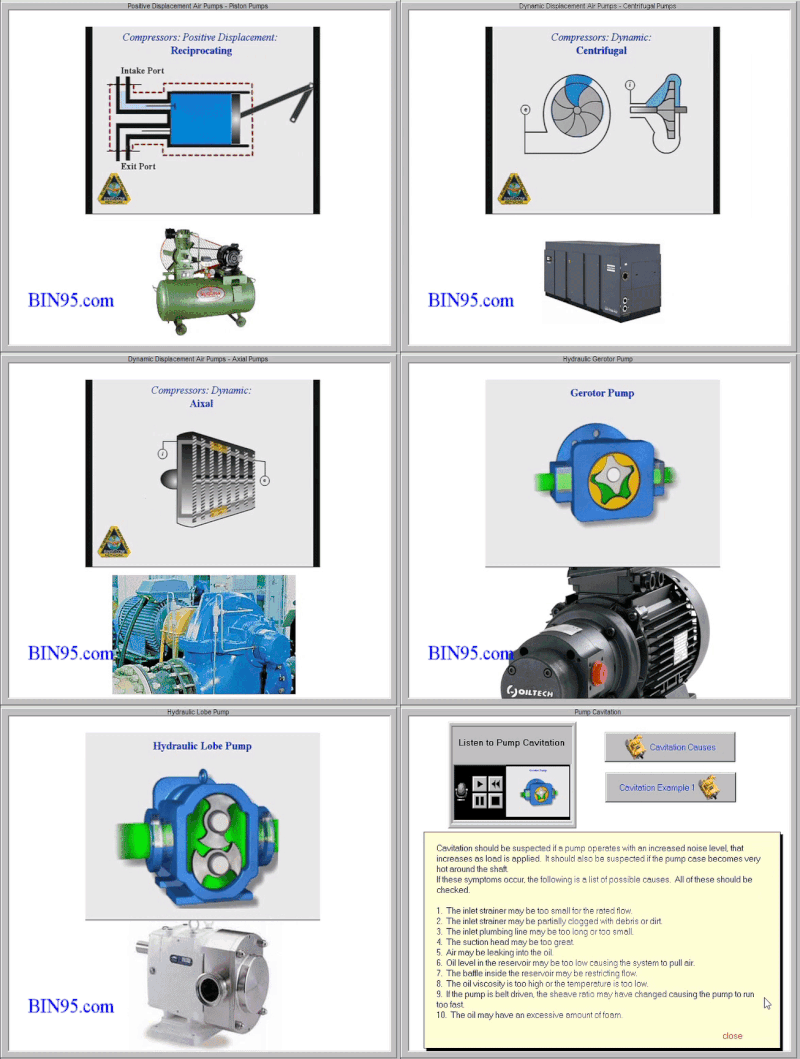
A screen recording of the hydraulic pump section of the course. As shown, it is a pneumatic and hydraulic pump. The positive and dynamic displacement air pumps are animated for better understanding. Piston pump, centrifugal pump, axial pump, gear pump, gerotor pump, internal gear pump, and hydraulic lobe pump. Ending with the hydraulic pump troubleshooting.
FP Hydraulics Trainer Course - Features:
The Hydraulics Trainer also includes a button to access our 22-page printable PDF hydraulics definitions of terms that are common in pneumatics & hydraulics (fluid power). Over 300 terms defined.
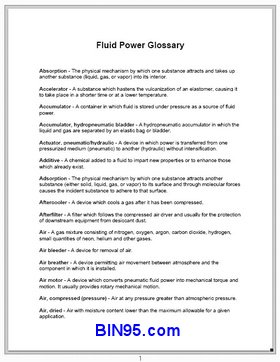
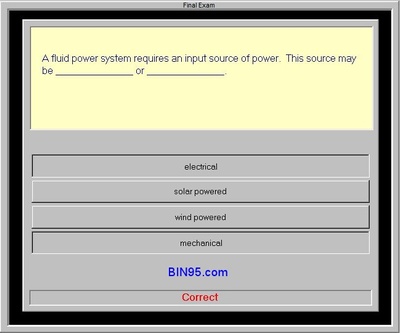
Every screen has audio narration, text transcript, and the ability to bookmark pages. There is also a built-in glossary. The FP Hydraulics Trainer course comes with an interactive, self-scoring final exam! Along with the interactive "self-scoring" 55-question final exam, the student can print a Fluid Power training certificate of completion upon scoring 85% or better.
School and Company Multiple User Licenses:
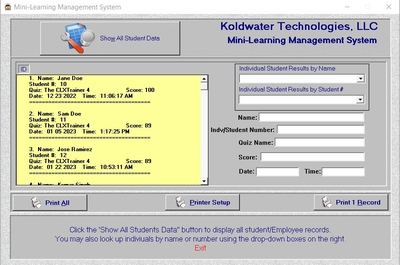
A mini-LMS is built into the Site and Enterprise licensed versions of this course software.
With the site licenses, even if the certificate is not printed on test completion, the score and student name are still saved in the "student log file", accessible by Site and Enterprise license holders. Additionally, when the quiz is scored, the student's name and final score are appended to a comma-delimited text file that may be imported into a database or spreadsheet application.... making the site license purchasing option perfect for Technical Schools, Community Colleges, Universities, Apprenticeship Programs, and company training departments.
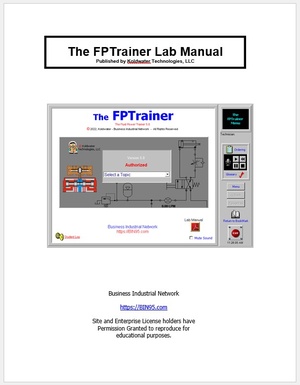
A hydraulic and pneumatic lab manual PDF is included. It consists of optional questions and one or more exercises for each of the nine sections. This lab manual allows students to understand the fundamentals of hydraulic engineering systems better. No content in the lab manual is required for students/employees to take and pass this course. Answer key to lab manual questions and exercises is also provided to instructors with a site license.
Because this hydraulics training course starts from a beginner level and uses interactive animations to make learning easier, this course will also work for capable students without previous industrial networking experience. Great for High School students and machine operators on up!
The 60-page Lab Manual PDF is an excellent instructor aid.
(Download the free Fluid power training course demo.)
Return to Purchase Area
License Types:
Student License - 1 student/learner may take the course.
Site License - Unlimited students/installs at a single site [physical location].
Enterprise License - Unlimited Site Licenses/locations for schools or companies. (Request Quote)
Completing the online training courses does not constitute IFPS Certification; however, you may be better prepared to take the appropriate IFPS certification test after completion.
Related Maintenance Training Bundle:
Note: All software offered by BIN95 is compatible with all Windows operating systems.