

PLC Troubleshooting Assessment
PLC Troubleshooting :
Test your PLC troubleshooting skills with 10 image-based questions. Use the PLC Troubleshooting Guide and video as open-book resources.
Please consider our training while here ...
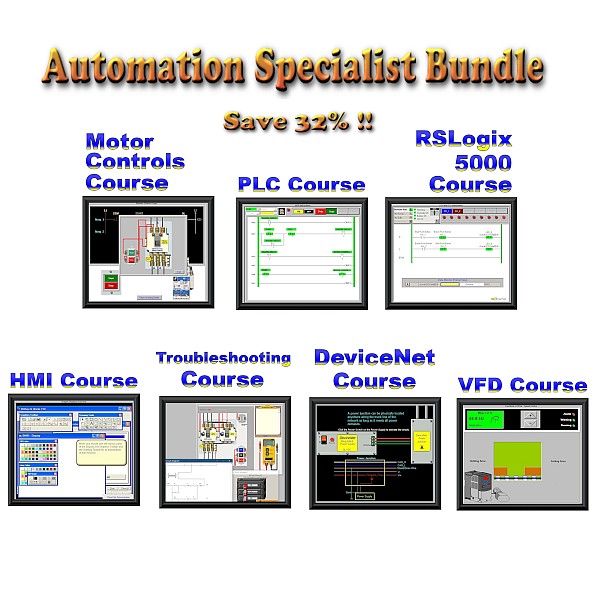
Learn more with our Automation Specialist Course Bundle. Bundle and Save 32%! Courses never expire. They are there when it is time to refresh.
PLC Troubleshooting test details:
( 10 Questions )
This PLC Troubleshooting Test is part of our PLC Troubleshooting Guide, an intermediate-to-advanced lesson covering PLC instructions and program conditions that can create confusing troubleshooting symptoms.
The 10-question assessment uses actual PLC programming screenshots and troubleshooting scenarios. Rather than simply testing whether you know what an instruction means, many questions ask you to interpret what you see, identify the most likely cause, or determine what you should investigate next.
The test is designed as an open-book troubleshooting exercise. You can refer to the PLC Troubleshooting Guide and its demonstration video while answering the questions. You can also take the test first as a self-evaluation to determine whether you would benefit from reviewing the guide.
Instructors and employers can also use the assessment closed-book when appropriate. Because the questions require the test taker to interpret PLC logic and programming-software screenshots, the assessment can help evaluate practical troubleshooting knowledge beyond memorizing PLC terminology.
PLC Program Control Instructions and Troubleshooting
PLC instructions and troubleshooting topics covered in this test:
OTL and OTU
OTL (Output Latch): When its rung is true, an OTL sets or latches its addressed bit. Once latched, the bit remains latched even after the rung is no longer true, until something such as an OTU changes its state.
OTU (Output Unlatch): When its rung is true, an OTU clears (turns off) its addressed bit. OTL and OTU instructions are commonly used as a set/reset pair.
JSR and RET
JSR (Jump to Subroutine): A JSR transfers program execution to a specified subroutine. If the JSR isn't executed, the PLC doesn't scan that subroutine.
RET (Return from Subroutine): A RET returns program execution from a subroutine to the calling routine. When used before the end of a subroutine, it can cause the PLC to return before scanning the remaining rungs.
JMP and LBL
JMP (Jump): A JMP causes the PLC scan to skip forward to its associated LBL. Logic between the JMP and destination LBL is not scanned when the jump occurs.
LBL (Label): The LBL identifies the destination of the corresponding JMP instruction.
MCR
MCR (Master Control Relay): MCR instructions are used in pairs to define a zone of ladder logic. When the conditions controlling the MCR zone aren't true, the rungs within the zone are scanned but effectively prevented from becoming true. Instructions within the zone then respond to that false-rung condition according to their normal instruction behavior.
PLC Forces and Online Status
PLC Forces: Forces override the normal state of selected PLC I/O. Because a force can make the real machine behave differently from what the program logic appears to indicate, checking for active forces is an important troubleshooting step. Anything involving PLC forces should be treated as a safety issue and handled according to appropriate company safety procedures.
Online Status: PLC programming software indicates whether you are communicating online with a running controller or viewing an offline program stored on the computer. On a network containing multiple PLCs, troubleshooters should also verify that they are online with the correct controller.
How to Use This PLC Troubleshooting Test
For individual PLC technicians and learners: Take the test as an open-book exercise with the PLC Troubleshooting Guide and video available, or take it closed-book first to evaluate your current troubleshooting knowledge. If a question is challenging, use the guide to understand not only the correct answer, but why the other possibilities don't explain the symptom.
If you score 50% or less, consider strengthening your fundamentals with our PLC Training Course and PLC Troubleshooting Course.
For instructors: The troubleshooting guide, demonstration video, screenshots, and assessment can be used together as supplemental PLC training material. Students can study the lesson and video first and then use the test as an open-book exercise, or instructors can administer it closed-book after the lesson.
For supervisors, employers, and HR departments: The test can provide another practical data point when evaluating PLC troubleshooting knowledge in employees or job candidates. It can also help identify topics where additional PLC training may be beneficial. Test takers can email their results to an address you provide after completing the assessment.
Employers who want a more controlled assessment can have an employee or applicant take the test in person while a supervisor or evaluator observes. As with any short technical assessment, results are best considered together with hands-on experience, work history, interviews, and other qualification requirements.
For hands-on programming and troubleshooting practice, the PLCLogix 5000 Training Simulator provides a simulated Logix 5000 environment. For those who need additional instruction before using the simulator, our RSLogix 5000 training is available through BIN95's PLC training courses.
Updated: